
Help & Documentation
How to Contribute to the Unified RISC-V IP Access Platform (UAP)
The Unified RISC-V IP Access Platform (UAP) is a contribution-based platform. It was born from the need to centralise and simplify access to open source RISC-V core and associated IPs developed under the framework European research projects, initially TRISTAN and ISOLDE, funded by the European Chips Joint Undertaking (Chips JU).
While this is a collaborative effort managed by OpenHW Foundation, under the framework of TRISTAN, the UAP relies on contributions from participating projects, which contribute their IPs to the platform's catalogue and take part on the discussion to bring up new features, done through the Virtual Repository Task Group (VRTG) regular meetings.
Please note that, while this platform was conceived to catalogue open source IPs and tooling associated to RISC-V projects, part of the objectives of TRISTAN, it is not restricted to it.
Proprietary or multiple-licenced IPs, IPs non-directly associated to RISC-V, and other projects that may be part of the ecosystem are also welcome to join.
The IP catalogue includes a Repo Stats column showing public repository statistics (stars, forks, commits) for every entry whose URL (or task fork URL) points to a GitHub or GitLab repository. These figures are collected automatically once a week from the public GitHub and GitLab APIs, so no login is needed and the numbers may be up to seven days old. Entries hosted elsewhere (project pages, proprietary sources) show n/a.
Two views: the platform page switches between the IP view (one row per independent IP, listing the project work items that touched it) and the Project view (one row per Task / Work Item, listing its IPs and partners). Cards show a compact summary; the complete field set for any entry lives in its detail drawer (select a card title). The Compatibility Matrix links jump to the matching IP when its label maps to a catalogue IP, or to the project's task list otherwise.
This guide will walk you through the process of adding new RISC-V IPs, subprojects, or updating existing catalogue entries.
Where the code lives: the UAP is developed on GitHub at github.com/openhwfoundation/uap and is mirrored to the Eclipse Foundation's GitLab instance at gitlab.eclipse.org/openhw-group. The platform is a static site and can also be self-hosted on any static web server (see DEPLOYMENT.md). You may contribute through a GitHub fork + Pull Request as described below.
Part 1: Edit or Create Your Contribution to the UAP catalogue
The catalogue stores two kinds of JSON documents: IP files (ips/<id>.json — one independent IP per file) and project files (projects/<project>.json — one row per Task / Work Item of an EU research project, each referencing the IP(s) it touched). Use the Editor to create or update either kind. The workflow below explains recommended steps to prepare, save and submit changes via a GitHub Pull Request (PR).
- Open the Editor: click on the Editor button at the top of the site.
- Pick the document kind, then load or create a file
At the top of the Editor, choose IP file (ips/) or Project file (projects/) — the table adapts to the kind. Files are listed from the platform catalogue:
- Choose an existing
ips/<id>.jsonorprojects/<project>.jsonfrom the Select file from repository dropdown, then Load. - Or load a local JSON with the Upload file button (the kind is detected from the file itself).
- Or create a new file with the Create file button (for a project file, pick the project from the Project selector).
- Choose an existing
- Edit the fields:
An IP file is a single-record form:
- Id: Mandatory field. Lowercase slug (letters, digits,
-,.,_); this is also the file name (ips/<Id>.json). - Name: Mandatory field. The IP's display name.
- Owners: Mandatory field (≥1). The organisation(s) that own the IP, picked from the registry in
cfg/partners.json(names or abbreviations). While owners are still being assigned,TBDis accepted — resolve it case by case afterwards. - Category: Mandatory field.
Assign your IP to one or more existing categories. These categories are pre-defined in the
cfg/categories.jsonfile. You can select multiple categories from the dropdown list that appears when you interact with this field.Important: If you wish to add a new Category, feel welcome to propose them to the Virtual Repository Task Group (VRTG), in order for it to be discussed and approved before they can be added to the UAP.
- URL / DefaultBranch: the canonical repository of the IP and its default branch (used for the Repo Stats column). Leave blank only if not applicable.
Important: This field must contain a valid URL; otherwise, it should be left empty.
- License: Specify the distribution license(s) for your IP, adhering to SPDX identifiers (validated against
cfg/licenses.json). - Status: Indicate the current completion status of your IP (e.g., "In Progress", "Released", "Finished").
Note: This field is currently not validated by the platform. It shall be limited to a set of options in the future, to be discussed by the VRTG.
- Description / Comment / IP_CARD_URL / IP_CARD_PDF_URL: one-paragraph summary, internal notes, and optional IP-card links (a locally hosted card must live in
ip_cards/). - IP card (
IP_CARD_URL): A link to an IP card, a machine-readible JSON description of the IP. For generation and validation, see https://github.com/pulp-unibo/ip-card.Note: The link may point to any URL of your choice. This e.g. allows to store the IP card with together with the developed item or any other repository under your control, making updates easier. On this platform, a relative link must point into
ip_cards/. - IP card PDF (
IP_CARD_PDF_URL): A link to a more human-readable PDF export of the JSON IP card. For PDF generation, also see https://github.com/pulp-unibo/ip-card.
A project file holds one row per Task (≡ Work Item):
- TaskId: Mandatory field. Unique identifier, conventionally
<project>-<wi>(e.g.tristan-wi2.4.1). - WI: Mandatory field. Work Item identifier(s) under your Project (use
TBDwhile unknown). - Title: Mandatory field. Short name of the work delivered.
- IPs: Mandatory field (≥1). The IP id(s) this task touches, picked from the catalogue. A task may span several IPs; never invent an id — create the IP file first.
- Partners: Mandatory field (≥1). Organization(s) working on this task, from
cfg/partners.json. Use the abbreviations established in your Project's official documents. - ForkURL / Branch: when the work lives in a fork or branch rather than the IP's canonical URL.
- Status / Description / Comment: free-text task state, summary, and notes.
- Id: Mandatory field. Lowercase slug (letters, digits,
- Save the file: Click Save to JSON File. The editor validates the required fields and references (owners, partners, IP ids, categories, licenses) and downloads the resulting JSON to your machine — an IP file arrives as
<Id>.jsonfor theips/folder, a project file as<project>.jsonfor theprojects/folder. - Submit your changes via a GitHub Pull Request (PR)
- Access or create a GitHub account.
- Create an Eclipse.org user account. You will also be asked to link your Eclipse.org account to your GitHub account and sign the Eclipse Contributor Agreement (ECA), as demonstrated below.

Accessing your Eclipse.org account user settings. 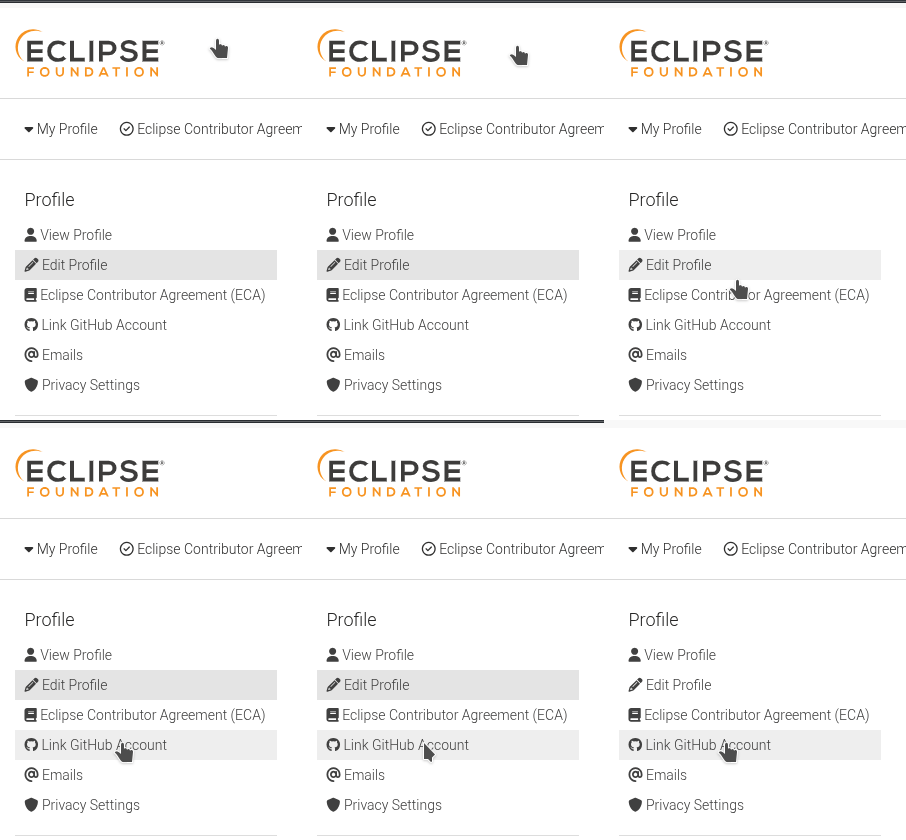
Linking your GitHub account to your Eclipse.org account. 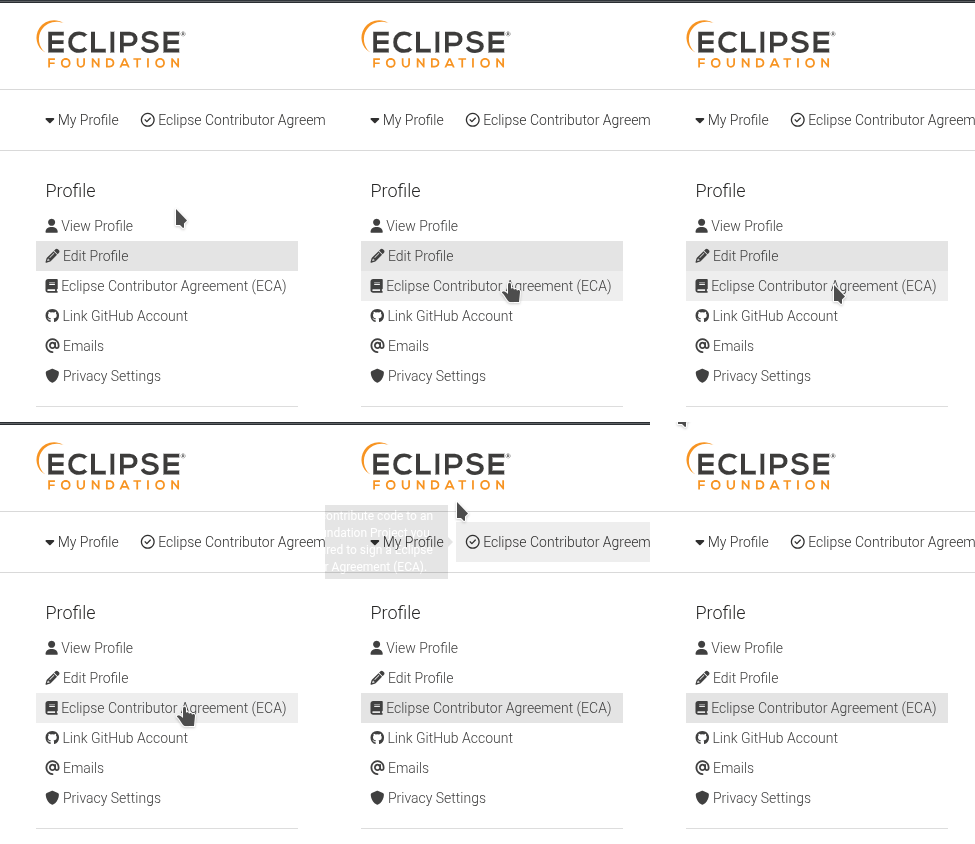
Accessing and signing the ECA. 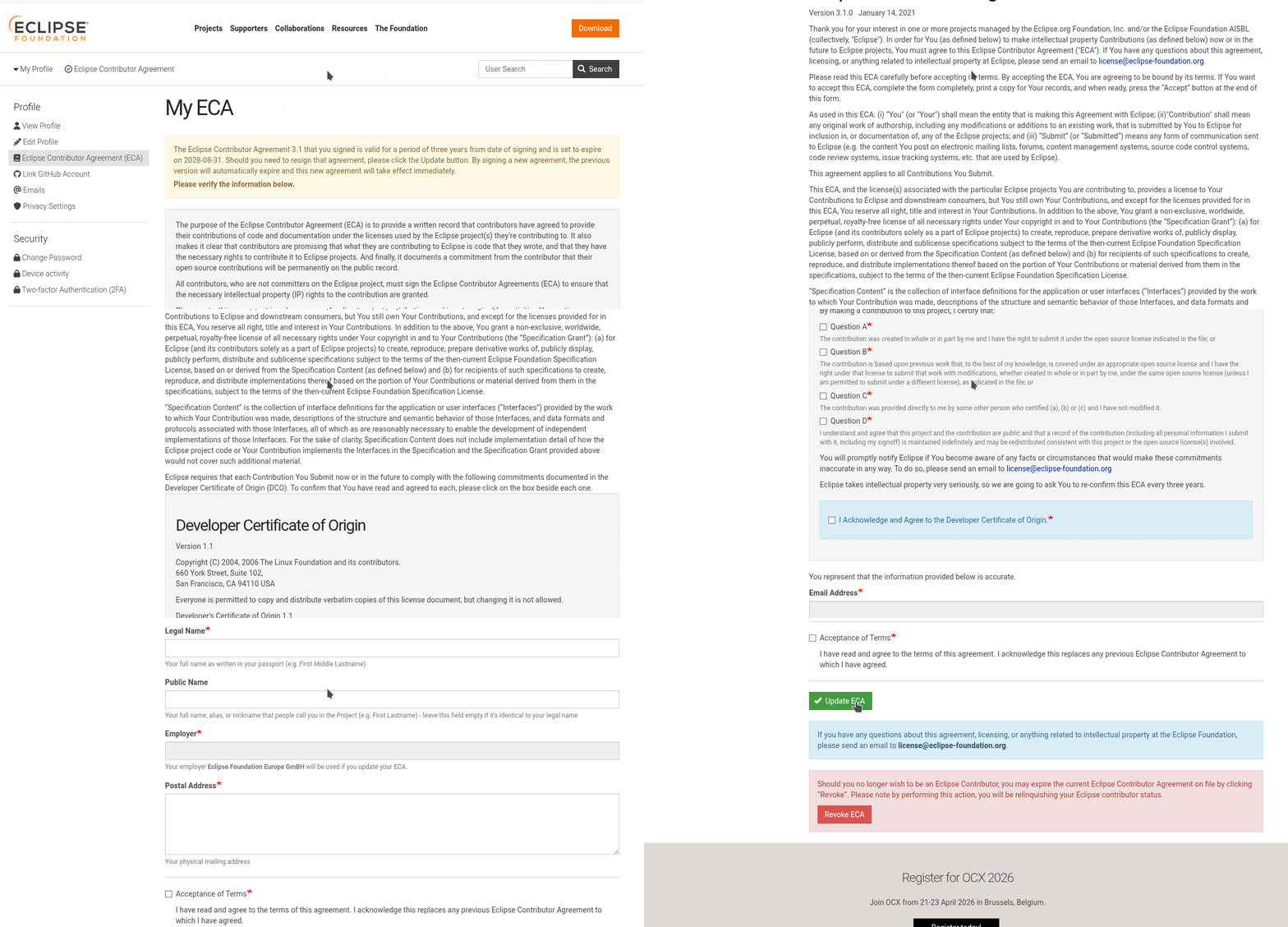
Signing the ECA form. - On GitHub, access the official repository of the UAP: https://github.com/openhwfoundation/uap. Click the "Fork" button (usually in the top-right corner) to create a copy of the repository under your own GitHub account. Follow the standard GitHub procedure to complete the forking process. Once done, navigate to your newly forked repository page (it will look something like
github.com/YOUR_USERNAME/uap). - Now, you need to add your locally saved JSON file(s) to the
ips/orprojects/folder within your forked repository. We recommend using the GitHub UI for simplicity:- On your forked repository page, navigate into the
ips/(IP files) orprojects/(project task files) directory. - Click the "Add file" button (usually near the top of the file list), then select "Upload files" from the dropdown.
- Drag and drop your saved
<Id>.json/<project>.jsonfile(s) into the designated upload area, or click "choose your files" to select them from your computer. - Provide a concise commit message (e.g., "Add new IP: MyAwesomeIP" or "Update TRISTAN tasks with new work item").
- Click "Commit changes".
- On your forked repository page, navigate into the
- Once your changes are committed to your fork, it is time to propose them to the main UAP repository. Commit and push your change, then create a PR to the main repository as in the follow instructions. Please provide a concise PR description describing your changes
- On your forked repository page, click on the "Pull requests" tab.
- Click the "New pull request" button. GitHub should automatically detect that you have pushed changes to your fork and suggest comparing them with the base repository.
- Ensure the base repository is
openhwfoundation/uapand the head repository is your fork (e.g.,YOUR_USERNAME/uap).
- OpenHW staff will review and merge the PR; once merged the live site will update shortly (the catalogue aggregate
cfg/catalog.jsonis validated on the PR and regenerated by CI shortly after the merge — GitHub Pages itself runs no build).
Notes & resources
- Repository: github.com/openhwfoundation/uap
- SPDX licenses: https://spdx.org/licenses/
- Eclipse Contributor Agreement (ECA): https://www.eclipse.org/legal/eca/